Los Angeles skyline

Network Speed Checker — LA (LA-J1)

Measure real-world mobile speeds in Los Angeles and compare carriers. Fast, privacy-conscious, and tailored for US users.
Interactive Speed Tester

Simulated in-browser test for demo purposes. Use your device on the tested network for realistic results.


Progress0%
Download
— Mbps
Upload
— Mbps
Ping
— ms

Test details

  • Location: Los Angeles (LA-J1 region)
  • Test type: Download / Upload / Ping
  • Note: Browser limitations may affect absolute throughput values.
Results are simulated for guidance. Use operator apps for carrier-certified diagnostics.

Coverage & Map

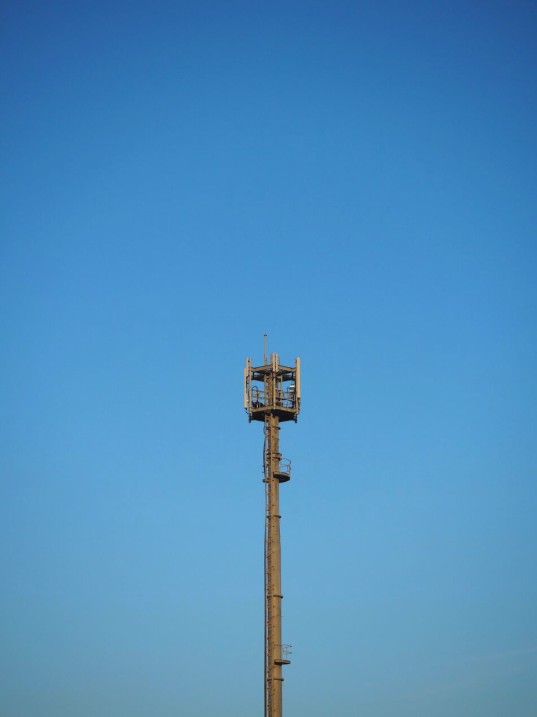
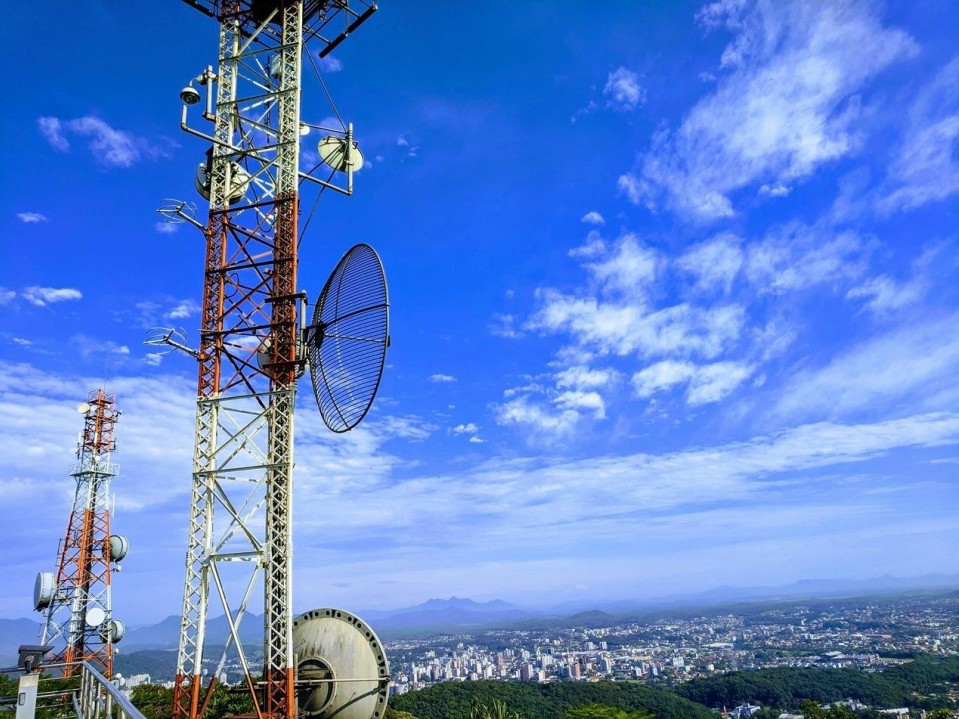
Cell tower in LA
Street coverage
Suburban signal

Carrier Comparison — Typical Speeds (LA)

Average observed ranges during peak hours in LA-J1.

CarrierDownload (Mbps)Upload (Mbps)Latency (ms)
T-Mobile70–25015–4525–45
Verizon60–22010–4020–40
AT&T55–20010–3525–50
MVNODownloadUploadLatency
Mint Mobile30–1208–2530–60
Visible25–1506–2035–70

Expert tips

  1. Prefer LTE/5G when available for higher throughput.
  2. Test near windows or outdoors for best signal.
  3. Restart device to refresh network registration.
Learn more
Support specialist
Need help? Our support can guide device-specific tweaks.

Common causes of slow speeds

  • Network congestion
  • Distance from cell tower
  • Device hardware limitations

FAQ

They provide relative measures. For operator-level validation, use carrier tools or multiple tests at different times.

Yes — urban canyons, buildings, and terrain significantly affect signal and throughput.

We do not collect personal speed traces on this demo page. See Privacy Policy for details.

Need personalized analysis?

Contact our team for in-depth carrier selection and plan optimization for your usage patterns.